Our web shop, on any phone or computer.
Search by part number or choose your car down to the engine, and see the prices without signing in. Pay for what is on our shelf by mobile money or card; for what we bring in, a 50% deposit.
Pictures of our web shop taken on 15 October 2026. Prices change: the shop always shows today’s.
From a part number to a paid order.
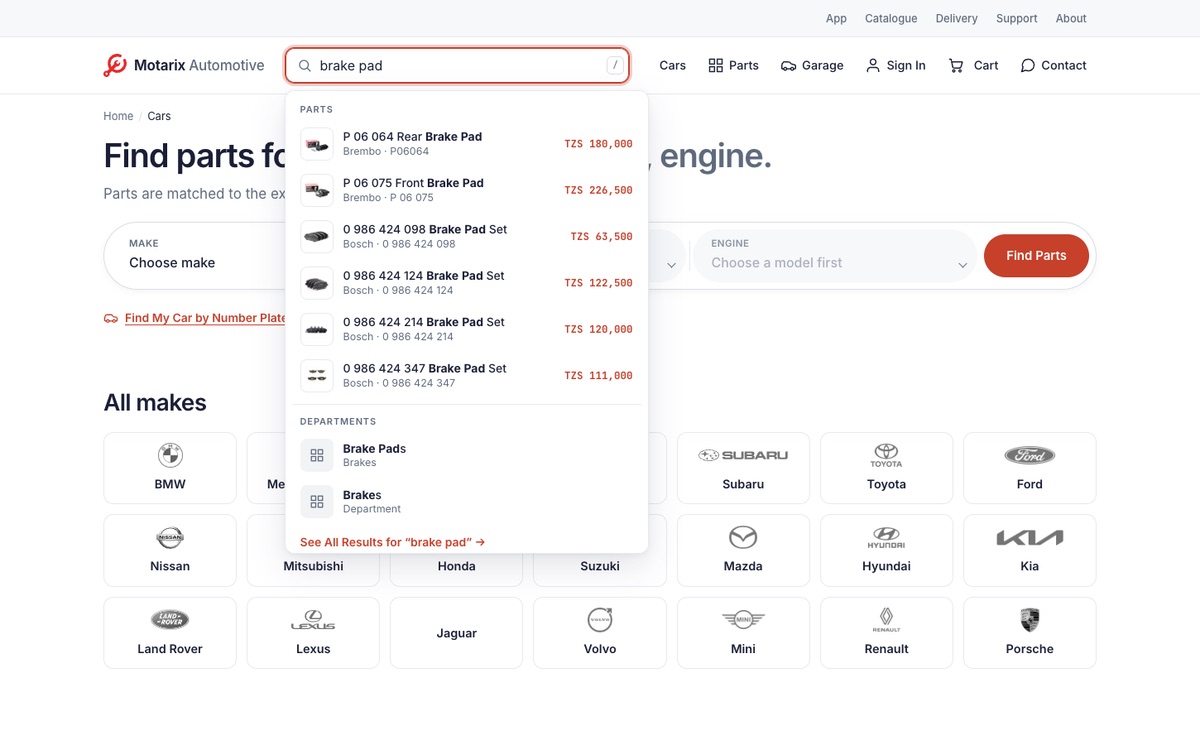
Search by any number
Type a part number, an OE number off the old part, or a name; spaces and dashes do not matter.
Suggestions appear as you type: parts with their prices, departments and cars. On a computer, the / key takes you to the search box.
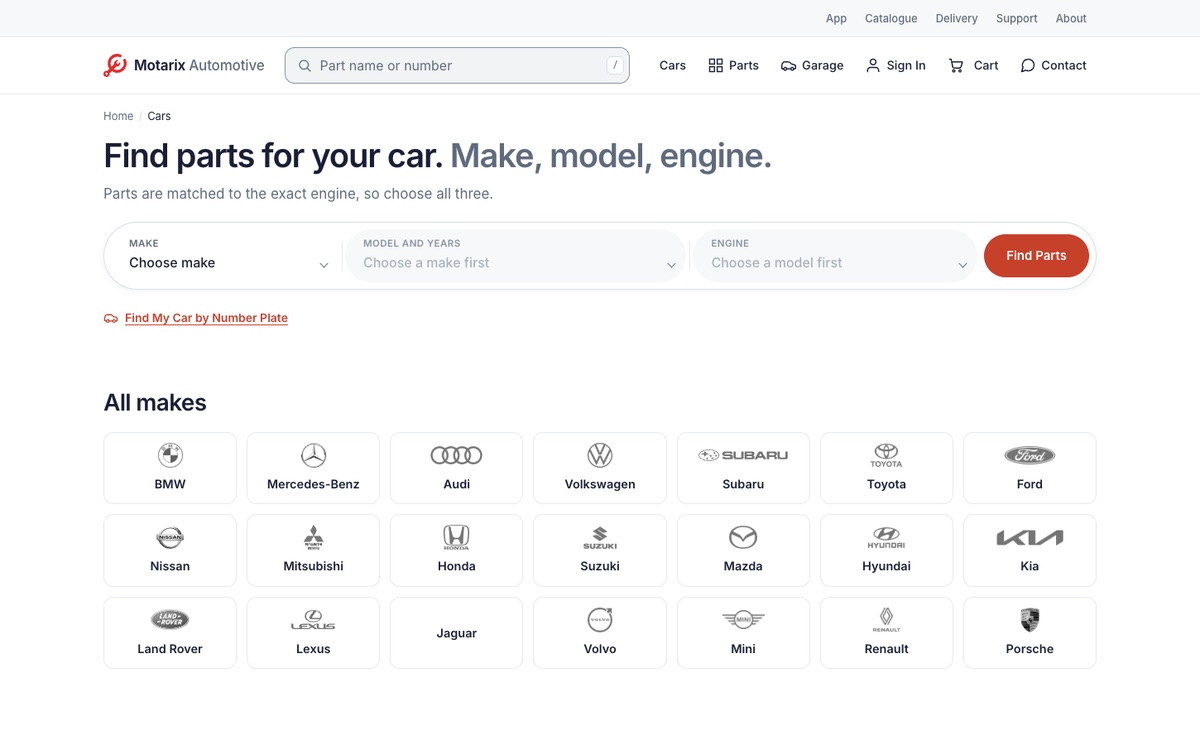
Find parts by car
Choose the make, then the model and years, then the engine. Parts are matched to the exact engine, not just the model name.
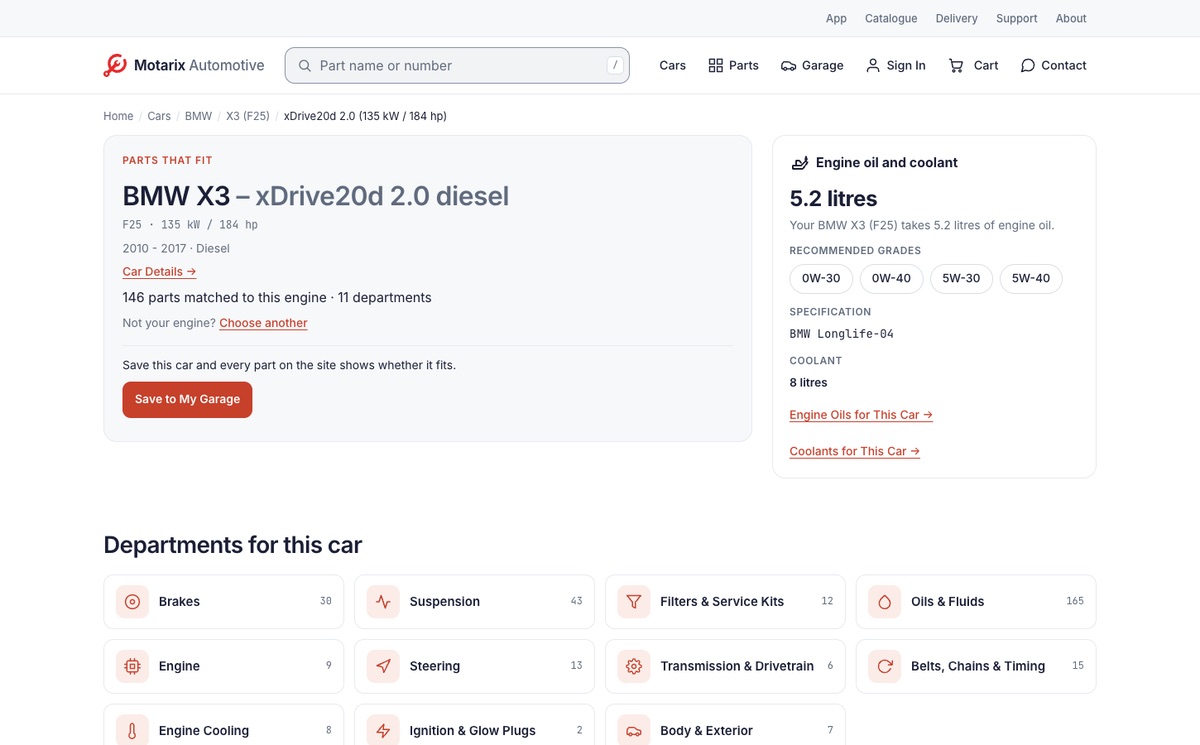
Everything for one engine
Each engine has its own page: how many parts are matched to it, and in which departments. Where we have them, it also says how much engine oil and coolant the car takes, with the recommended grades.
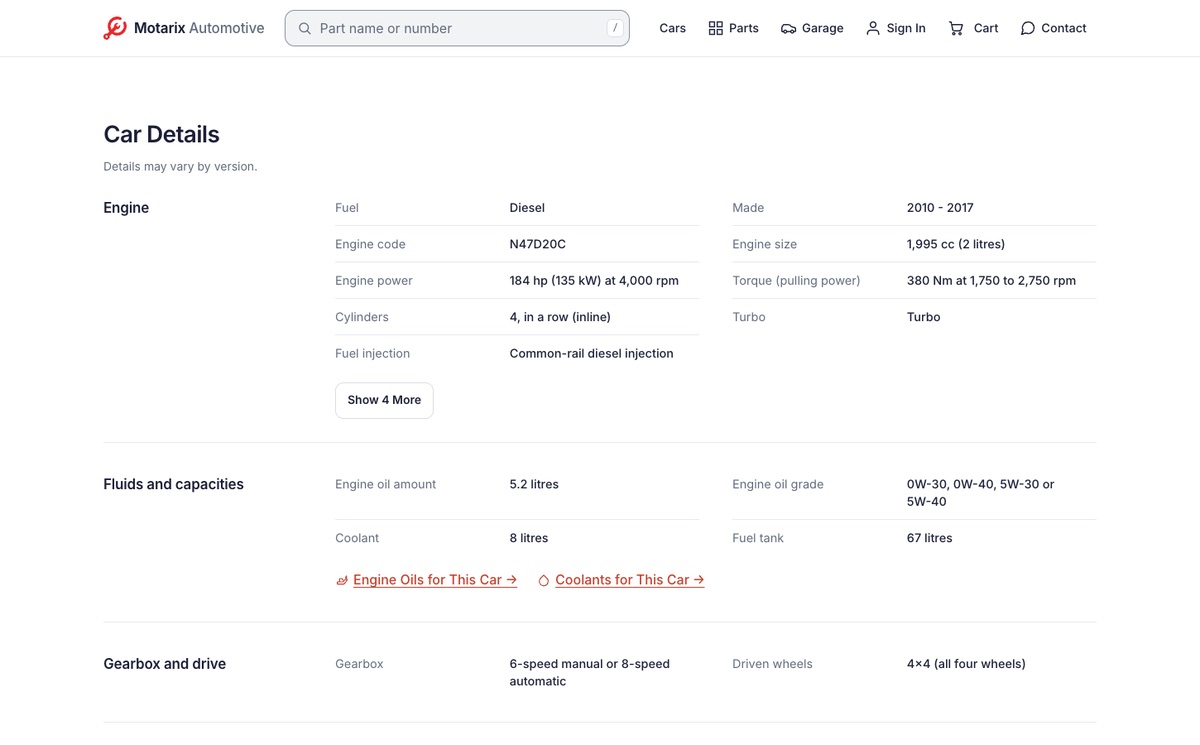
Car details
Where we have them, the engine page lists the car’s details too: engine, fluids and capacities, gearbox and drive, wheels, brakes and steering. Where a detail differs between versions of the car, the page says so.
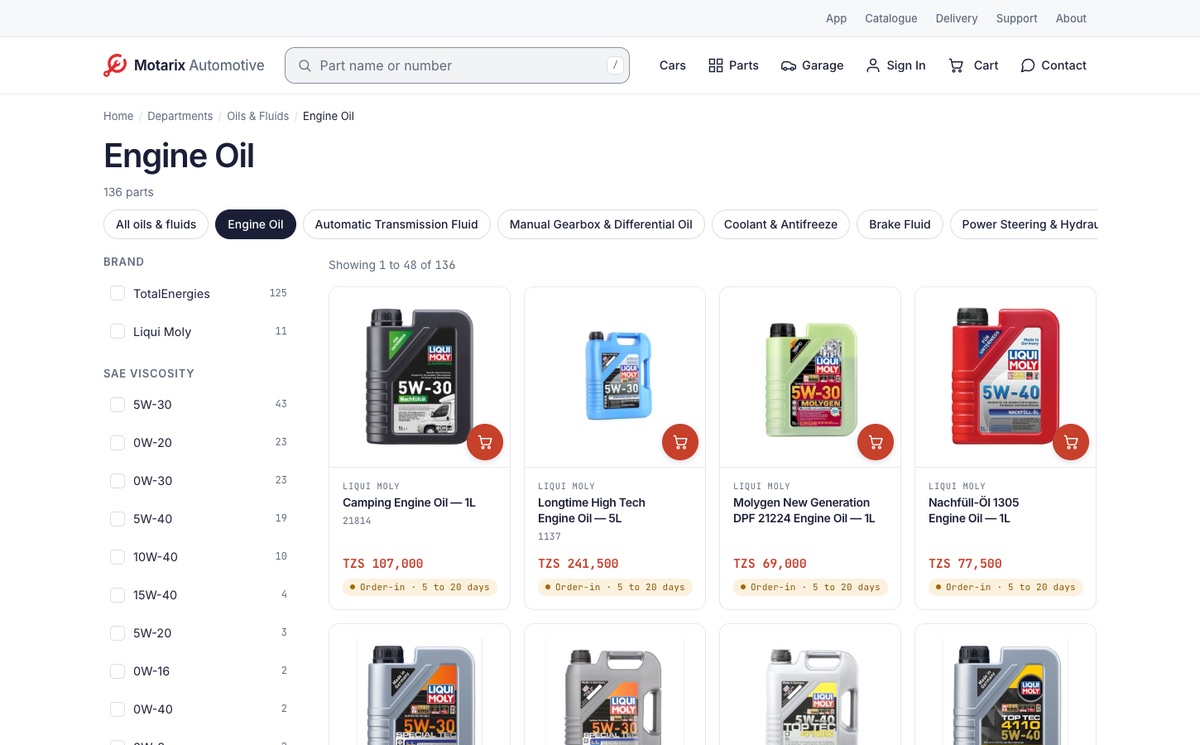
Filters with exact counts
A department shows 48 parts a page. Narrow it by brand, and engine oils by SAE grade; each filter says exactly how many parts it leaves.
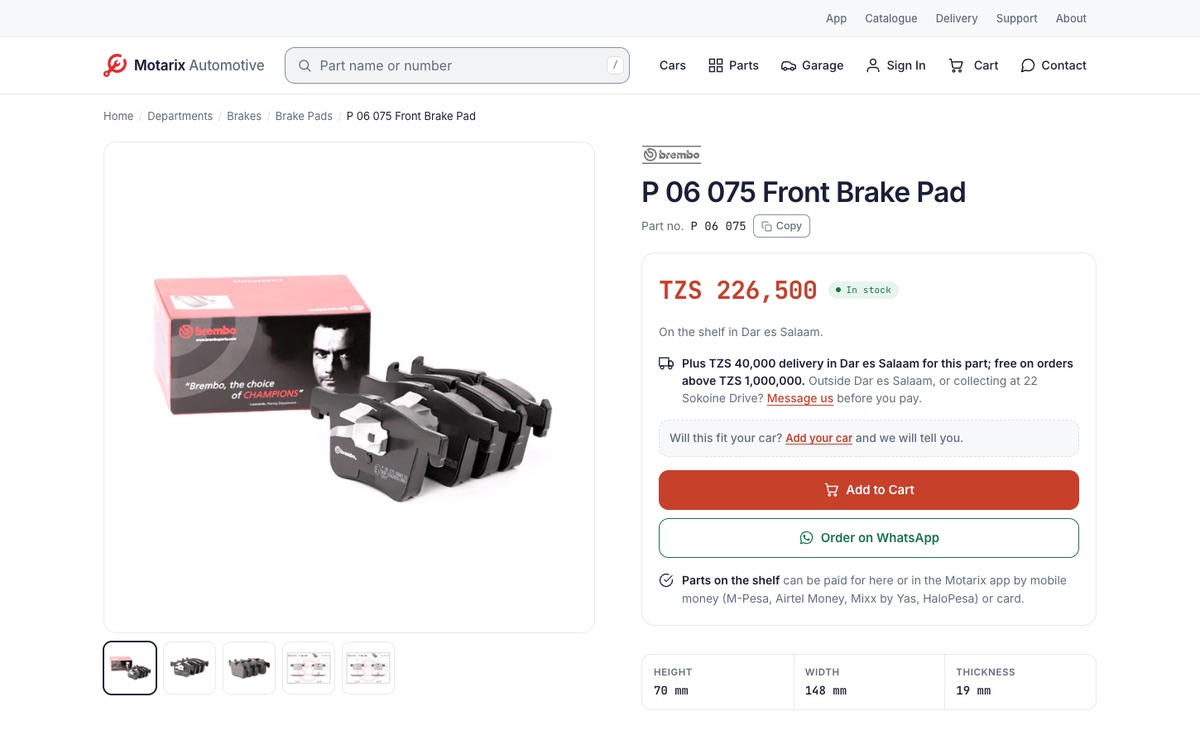
The part page
Photos, the part number with a Copy button, the price, and whether it is on our shelf. Further down: its measurements, the cars it fits and the OE numbers it replaces.
Tap an OE number to find every part that carries it.
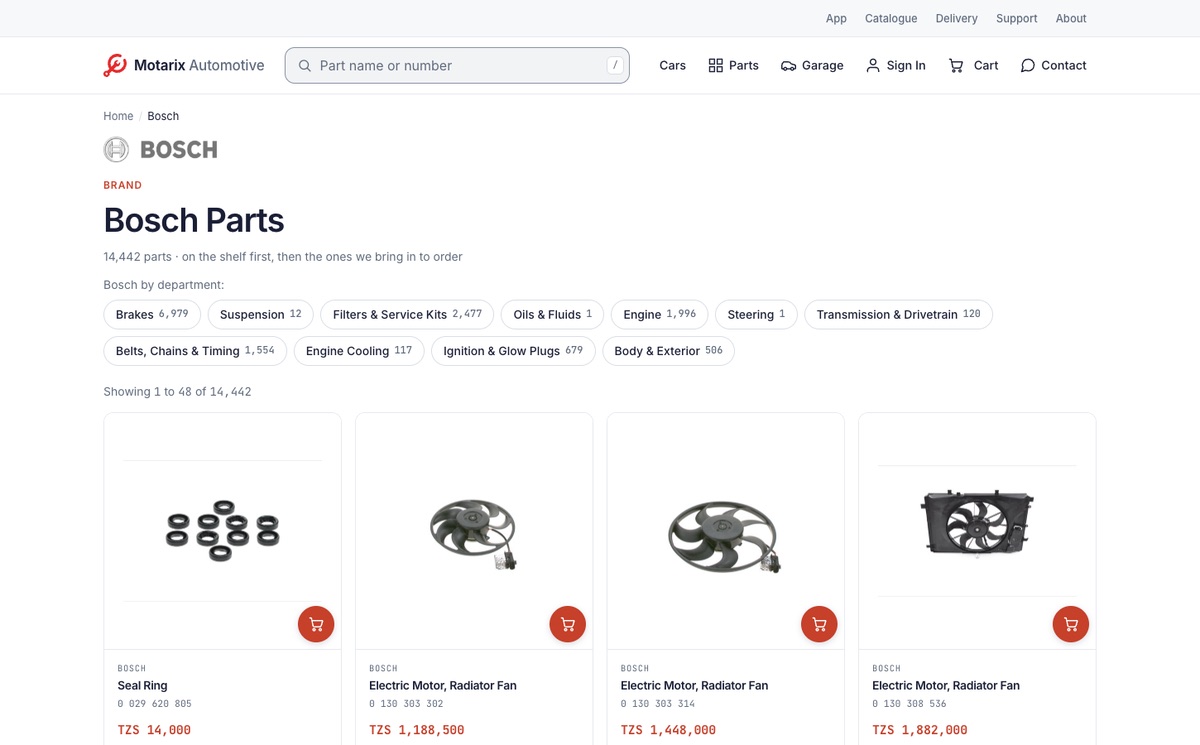
A page for each brand
Each brand has its own page, with its logo where we have one, its parts and the departments it has parts in, each with how many.
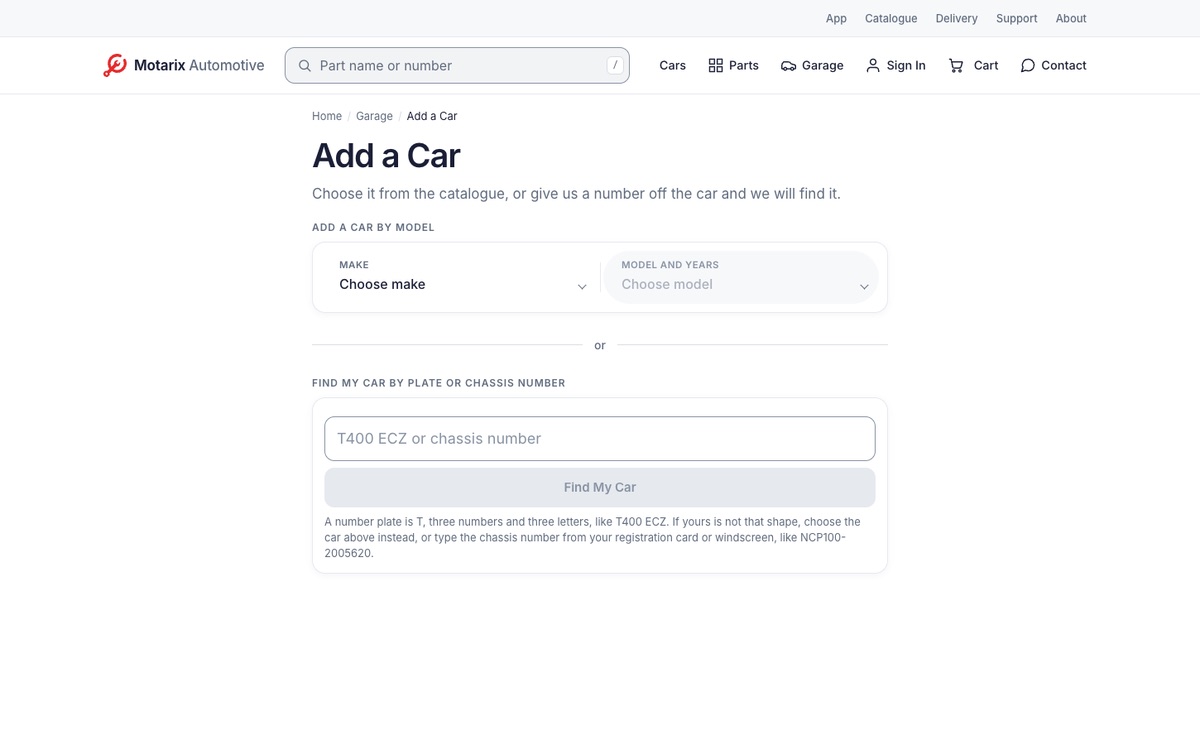
Your garage and Find My Car
Save your car and every part on the site shows whether it fits. Add it by model, or give us its number plate or chassis number and we find it.
Your cars are kept in this browser. Saving the first one asks you to sign in, and so does finding a car by its number.
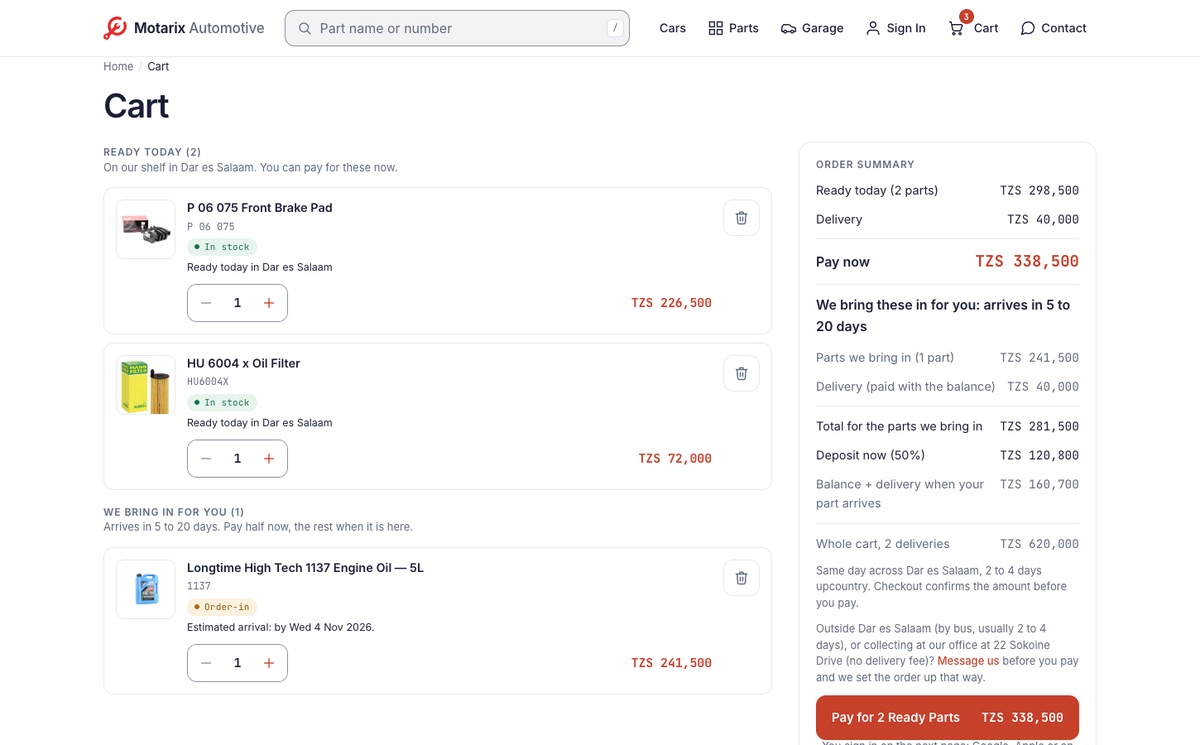
One cart, two kinds of part
Parts on our shelf in Dar es Salaam are ready today: pay for them now.
Parts we bring in arrive in 5 to 20 days: pay a 50% deposit now and the rest when they are here. The summary shows both, delivery included.
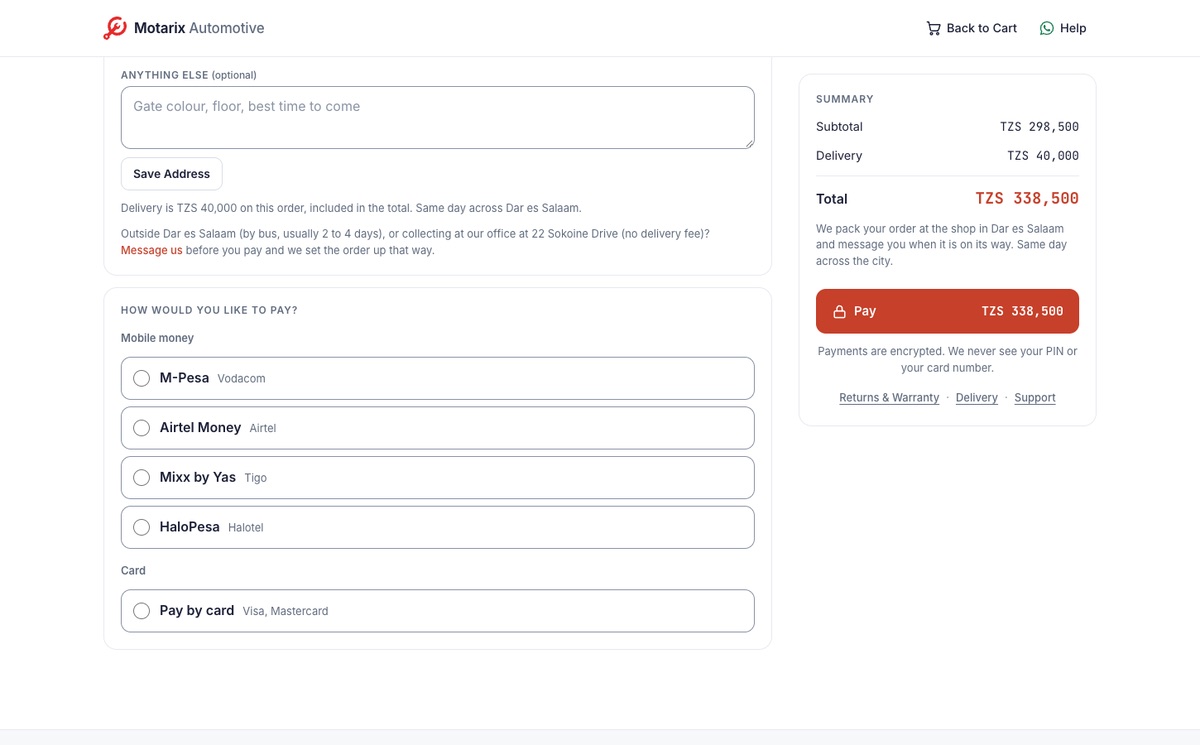
Pay by mobile money or card
Confirm where we bring it, then pay by M‑Pesa, Airtel Money, Mixx by Yas, HaloPesa or card. Paying asks you to sign in, with no password.
For a deposit you can also pay by our Lipa Number, 38013767.
The parts counter, in your pocket.
Free on iPhone and Android. Browse the whole catalogue without signing up or giving us your name.



 Scan to get the app